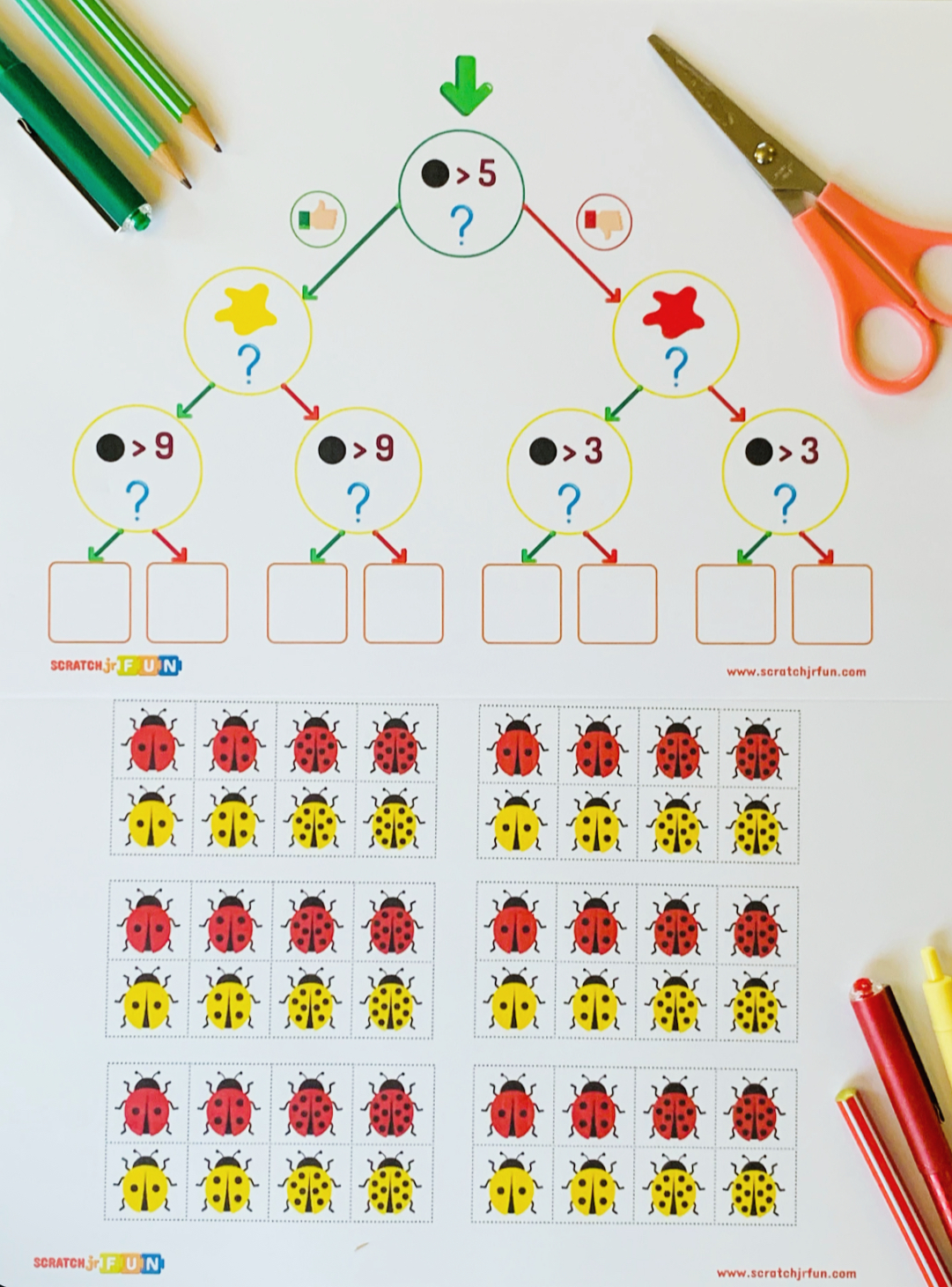
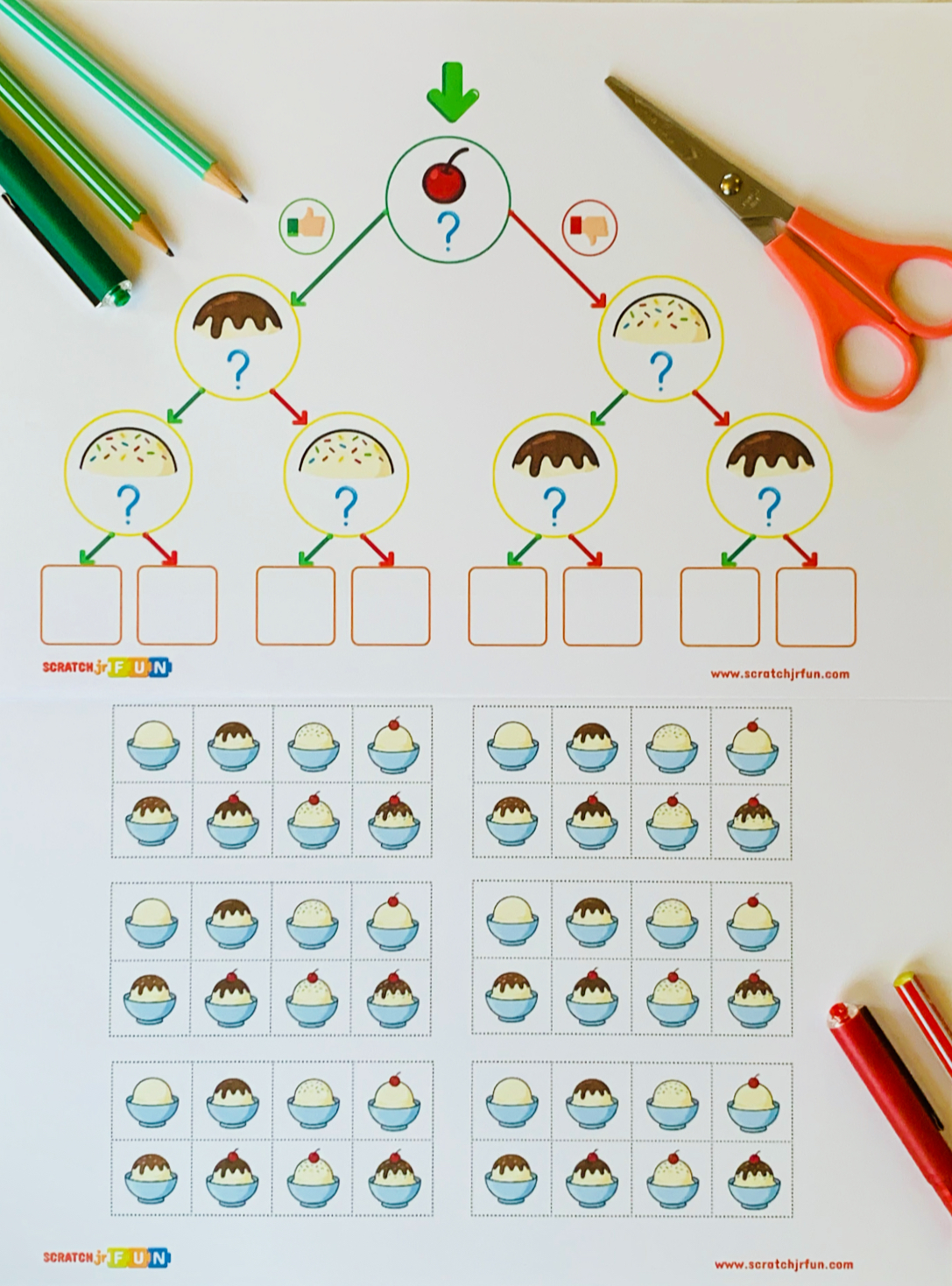
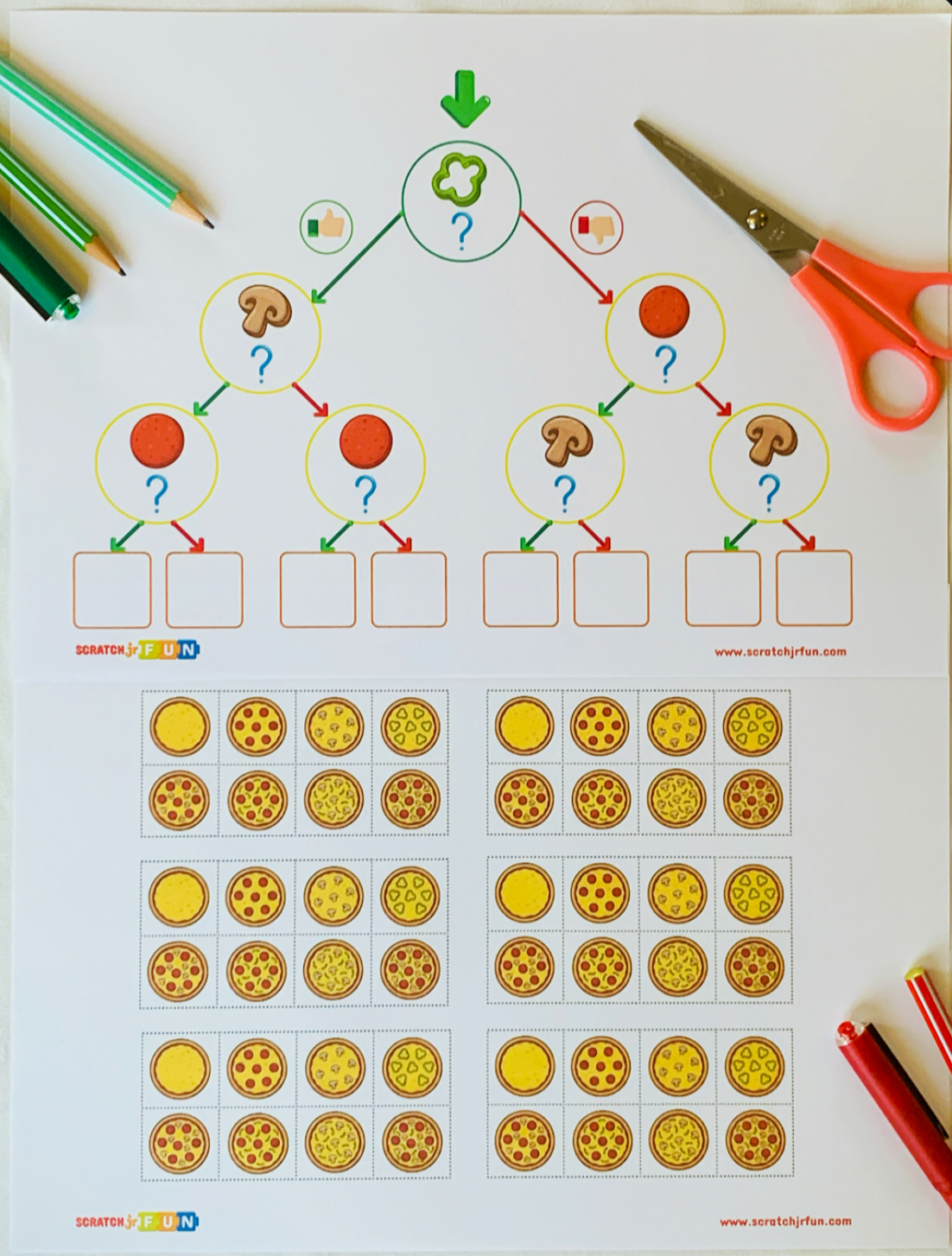
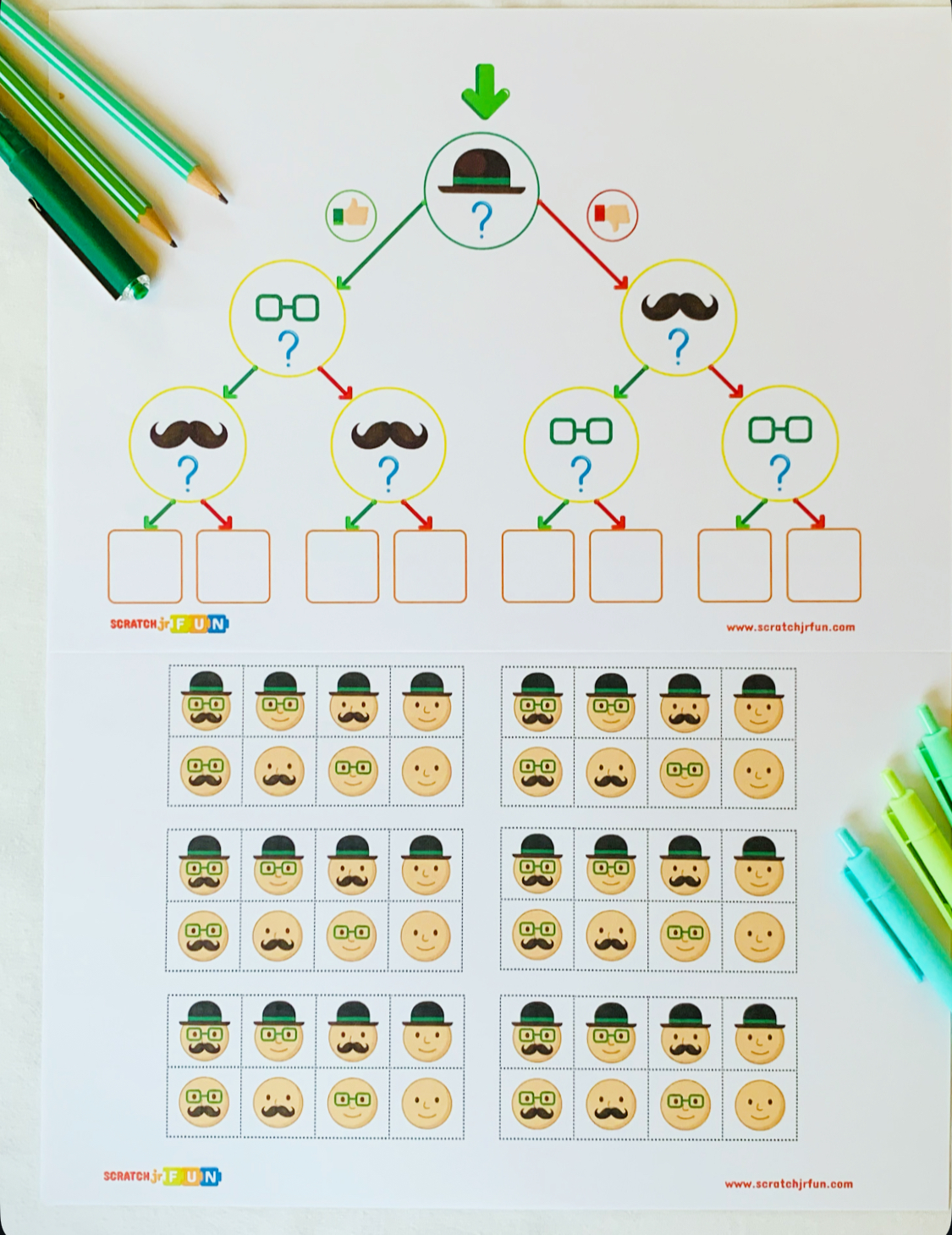
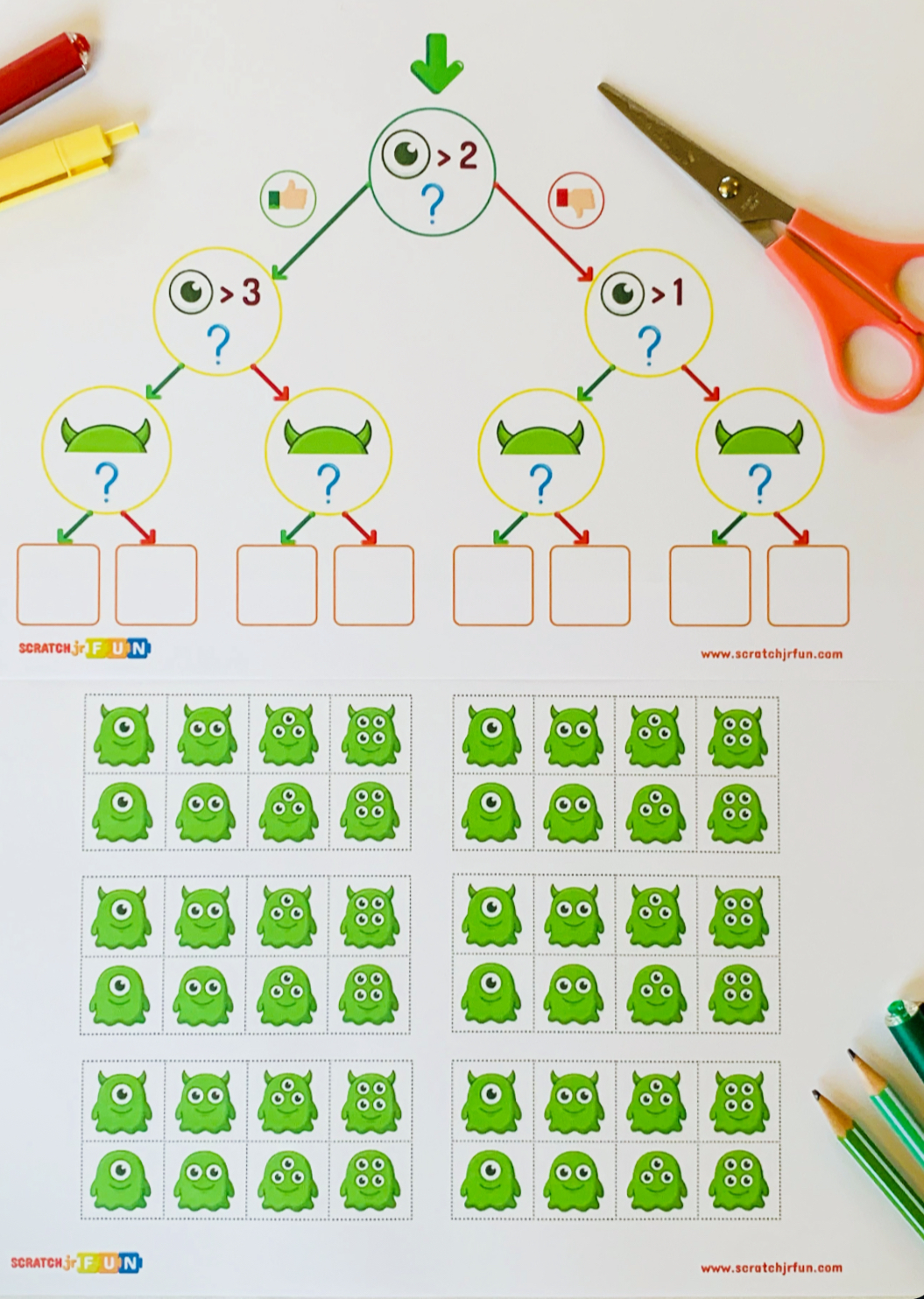
This Decision Tree Activity Pack is designed to introduce young learners to the concept of conditional logic (If/Then statements) through hands-on, cut-and-paste fun. By following the “paths” on the tree, students learn how data is sorted based on specific attributes.
What is a Decision Tree? In computer science, a decision tree is a flowchart-like structure used to make decisions. In this activity, students look at a specific object (like a monster or a pizza) and ask a question (e.g., “Does it have pepperoni?”). If the answer is YES (thumbs up), they go one way; if NO (thumbs down), they go the other.
No Reading Required! The activities use visual icons (Thumbs Up for Yes / Thumbs Down for No), making it accessible for pre-readers and non-English speaking students.
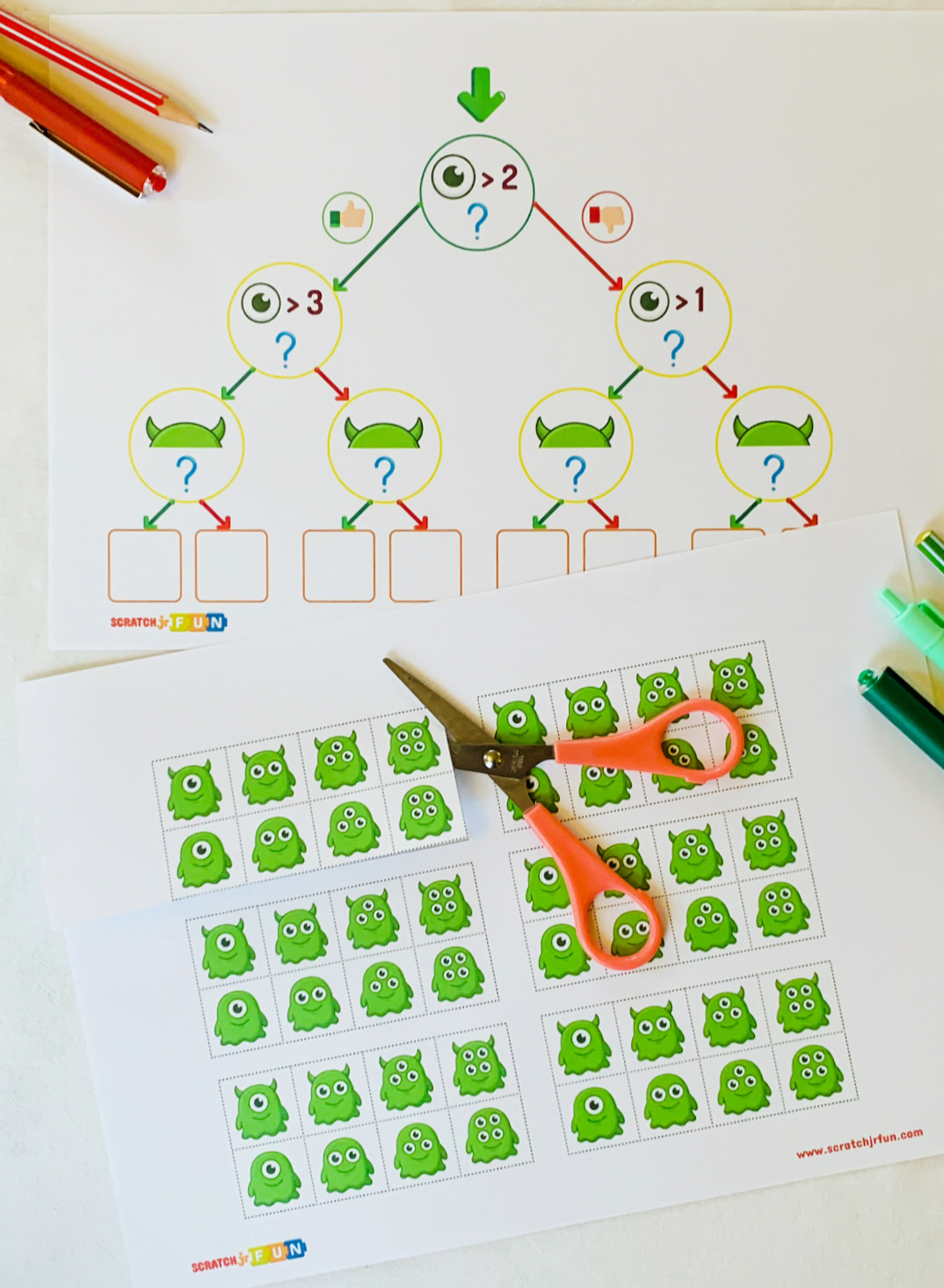
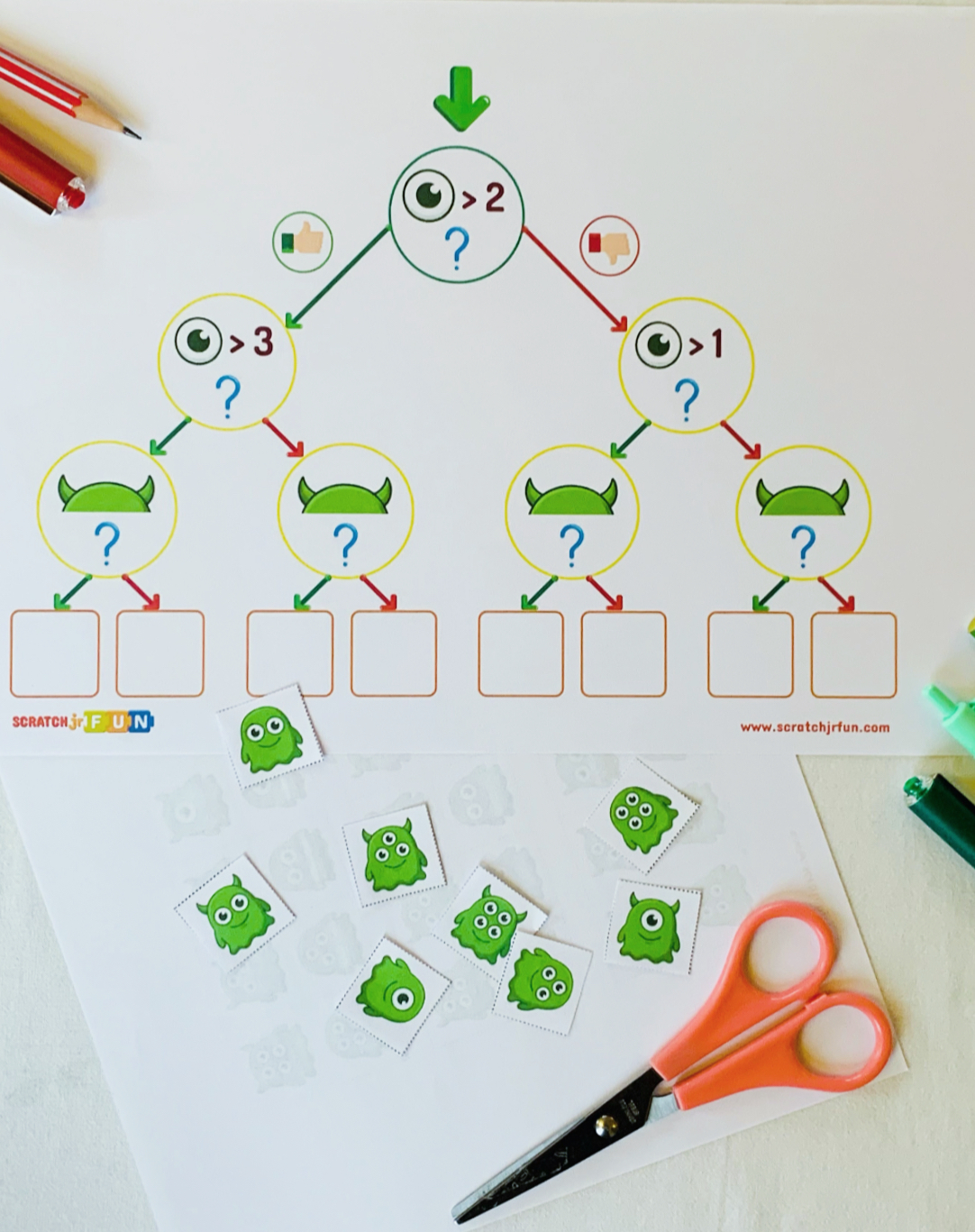
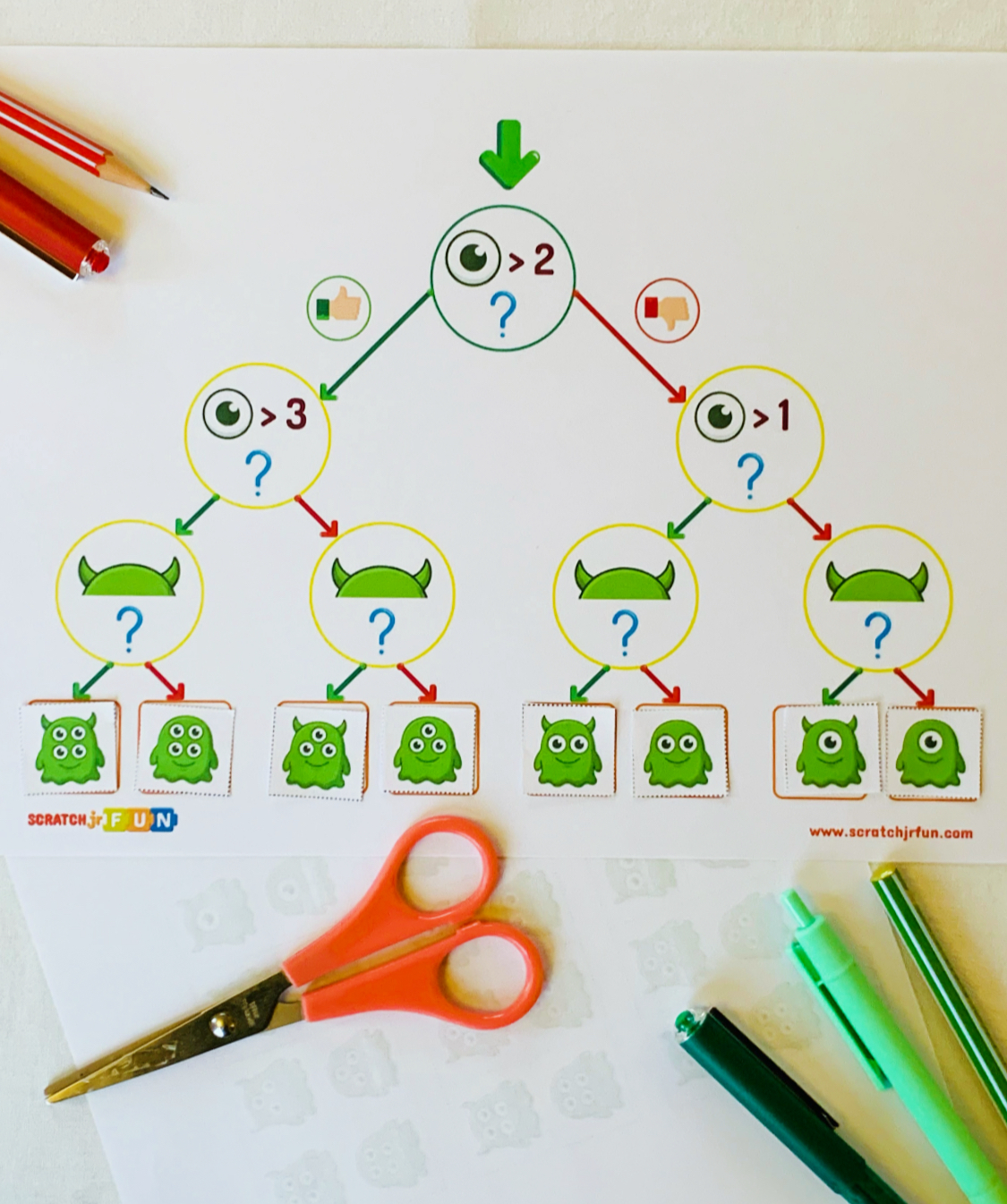
What’s Included in this Digital Download:
This resource features 5 distinct logic themes, progressing from visual observation to basic math inequalities:
- The “Face” Tree: Sort characters based on accessories (Hat → Glasses → Mustache).
- The “Pizza” Tree: Sort pizzas based on toppings (Green Pepper → Mushroom → Pepperoni).
- The “Ice Cream” Tree: Sort sundaes based on sweet treats (Cherry → Chocolate Sauce → Sprinkles).
- The “Ladybug Math” Tree: Integrates math skills!
Students sort ladybugs based on the number of dots using inequalities (e.g., >5, >9, >3). - The “Monster Math” Tree: Students sort friendly monsters based on the number of eyes (e.g., >2, >1).
- Blank Template: A create-your-own tree for students to design their own logic puzzles.
- Cut-Out Sheets: All the necessary pieces (faces, bugs, pizzas, monsters, ice cream) are included for easy printing and distribution.
Price: 5,90 USD